










































































































Vrealize Infrastructure Navigator

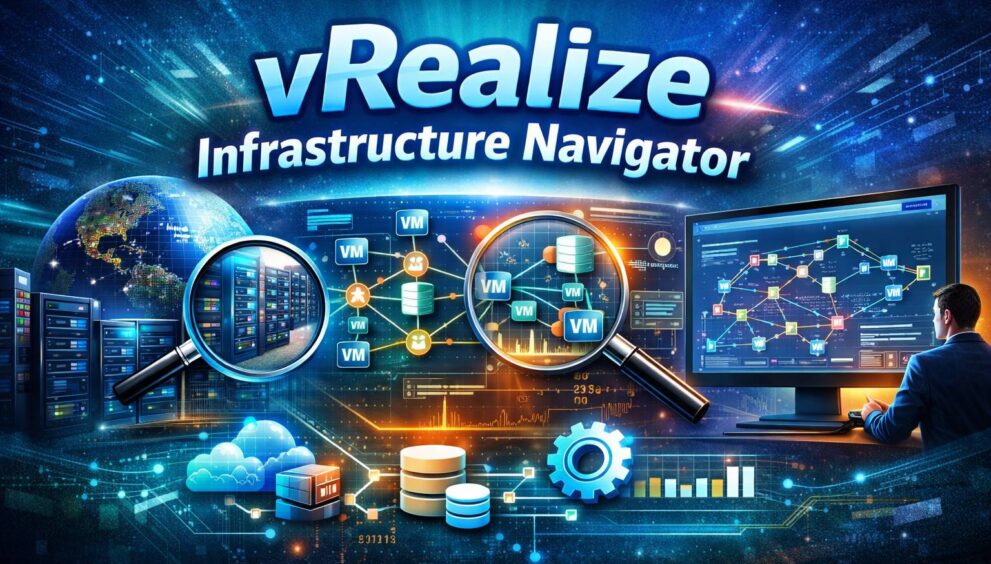
vRealize Infrastructure Navigator (VIN) is a VMware tool that provides powerful application discovery and dependency mapping within virtualized environments running on VMware vSphere. VIN gives IT administrators insight into how applications, services, and virtual machines connect and interact without requiring software agents inside each VM.
VIN was designed to address a critical visibility gap in virtual infrastructures. It helps organizations understand the relationships between workloads, simplifying tasks such as troubleshooting, migration planning, change management, and compliance. This article explores what VIN is, how it works, its benefits, deployment architecture, key features, limitations, and modern alternatives.
What Is vRealize Infrastructure Navigator?
vRealize Infrastructure Navigator is a tool that automatically discovers applications and services running within virtual machines and maps the dependencies that connect them. It is an agentless mapping and visualization platform that integrates directly into the VMware ecosystem. VIN enables administrators to analyze interactions across VMs without using multiple monitoring tools.
Unlike traditional monitoring tools that focus on hardware or VM health data, VIN focuses on application layer interactions, service calls, and traffic flows. This helps IT teams understand not just whether systems are running, but how they are connected.
Why Infrastructure Visibility Matters
In modern virtualized environments, applications rarely operate in isolation. A typical business application might consist of web server VMs, application logic VMs, backend database servers, and supporting middleware. These components communicate over various protocols and ports.
Without a tool like VIN, mapping these dependencies can be overwhelming and error-prone, often relying on manual documentation or guesswork. VIN automates this process and produces real-time application topology maps that reveal relationships instantly.
This visibility is crucial in several key areas:
- Troubleshooting performance issues by understanding service dependencies
- Predicting the impact of upgrades, migrations, or configuration changes
- Identifying unexpected or unauthorized service interactions for security and compliance
- Ensuring workload groupings move together during migrations
Key Features of vRealize Infrastructure Navigator
VIN provides a robust set of capabilities for enterprise-scale infrastructure visibility.
Automated Application Discovery
VIN identifies applications and services running inside virtual machines without installing agents. It leverages VMware Tools to examine software presence, open ports, and service protocols. Because it is agentless, VIN reduces operational overhead and avoids compatibility issues associated with in-guest agents.
Real-Time Dependency Mapping
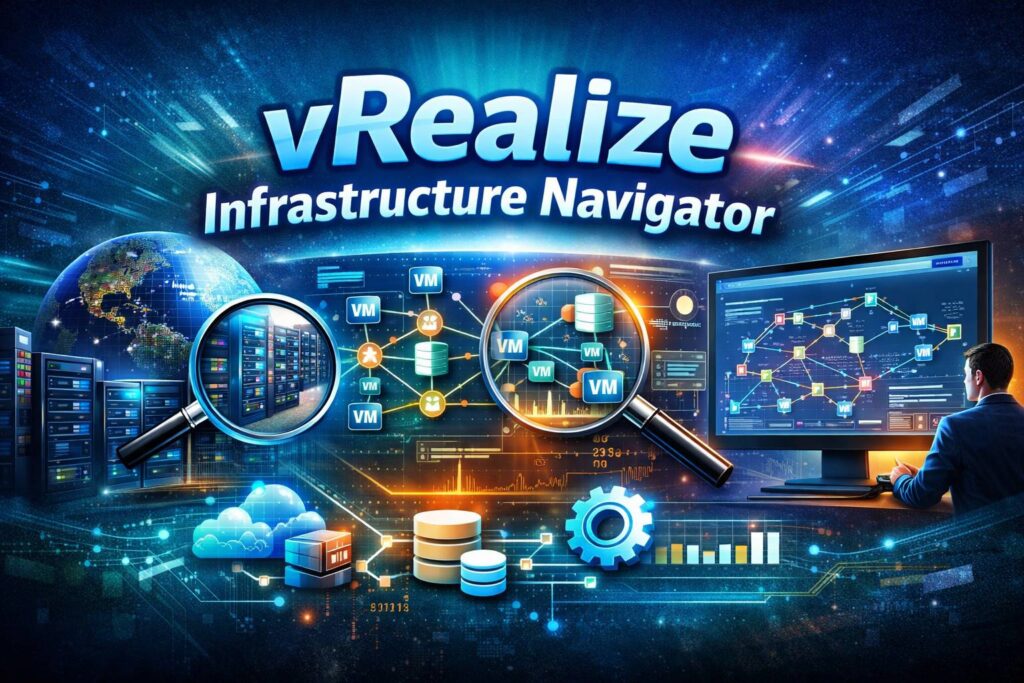
VIN builds dependency maps that visually display how VMs communicate, which services rely on each other, and how traffic flows between components. These maps allow administrators to see which VMs are connected, application relationships, and active ports and protocols.
Integration with VMware vSphere and vCenter
VIN integrates directly into VMware vCenter and the vSphere Web Client, allowing administrators to view dependency data in a centralized console. This integration improves workflow efficiency and embeds topology insights into familiar management interfaces.
Continuous Change Awareness
VIN continuously monitors changes in the environment, such as new applications, migrated VMs, or altered configurations, and updates dependency maps accordingly. This ensures administrators always have an accurate view of the system state.
Custom Application Support
VIN allows administrators to define custom application signatures using port numbers, process names, or patterns, enabling tracking of internal or legacy applications.
Ecosystem Integration
VIN can work alongside other VMware tools such as vRealize Operations Manager for performance analytics, VMware NSX for security policy design, and vRealize Automation for provisioning workflows. These integrations enhance infrastructure analysis and decision-making.
How vRealize Infrastructure Navigator Works
VIN is deployed as a virtual appliance inside a vSphere environment. Once installed and connected to vCenter, it begins scanning VMs and building dependency relationships.
Agentless Discovery
VIN uses VMware Tools data, network port analysis, and protocol inspection to understand applications running on VMs without installing agents. This agentless architecture reduces operational overhead and minimizes impact on production environments.
Dependency Graph Construction
After collecting data, VIN models interactions into dependency graphs that represent how components communicate. This includes front-end servers to application servers, application servers to databases, and inter-service protocols and ports. The maps are interactive and update automatically as the environment changes.
Visualization in vSphere
Administrators can view all topology data directly in the vSphere Web Client, eliminating the need for separate dashboards or portals. This centralization makes it easier to manage and act on infrastructure insights.
Benefits for IT Teams
VIN offers significant advantages in managing complex virtual infrastructures.
Enhanced Operational Visibility
VIN eliminates blind spots by revealing real-time application relationships. Administrators gain insight into service paths, communication flow, and infrastructure dependencies.
Faster Troubleshooting
When performance issues occur, VIN maps make it easier to locate the root cause, leading to faster resolution and reduced downtime.
Improved Change and Risk Management
Dependency maps allow teams to assess the impact of upgrades, migrations, or configuration changes before executing them. This reduces the risk of breaking application chains.
Better Security and Compliance
VIN helps identify unexpected connections, unauthorized services, and unusual network patterns, supporting regulatory compliance and security policies.
Smart Migration Planning
VIN assists in planning migrations by showing which VMs and services need to move together to maintain application integrity.
Limitations and Lifecycle Status
Despite its capabilities, VIN has some limitations.
End of Lifecycle
VIN has been deprecated and is no longer actively supported by VMware. It is not compatible with the latest vSphere versions and has been replaced by modern tools.
VMware-Only Scope
VIN operates only within VMware vSphere environments and does not natively cover physical servers, public clouds, or containerized workloads.
Limited Cloud-Native Insight
VIN does not provide deep visibility into microservices, Kubernetes clusters, or hybrid cloud infrastructures, which are increasingly common in modern IT environments.
Encrypted Traffic Analysis
VIN detects ports and protocols but has limited ability to analyze encrypted application communications, reducing visibility in some scenarios.
Modern Alternatives to VIN
As infrastructures have evolved, VMware recommends using newer tools that extend VIN’s core concepts:
- vRealize Network Insight provides deeper network traffic analytics and security visualization
- VMware Aria Operations for Applications delivers broader application dependency discovery across hybrid setups
- Full-stack observability platforms like Dynatrace, Datadog, and AppDynamics support cloud, container, and hybrid services
These tools offer advanced analytics, machine learning, and service-level monitoring, making them suitable replacements for VIN in contemporary infrastructures.
Conclusion
vRealize Infrastructure Navigator helped VMware administrators understand application-to-infrastructure relationships when visibility was limited. Its agentless discovery, real-time dependency mapping, and integration with the VMware ecosystem enabled efficient troubleshooting, migration planning, change management, and security enforcement.
Although VIN has been deprecated and replaced by advanced tools, its concepts remain foundational to modern infrastructure observability. Organizations still running legacy VMware environments may benefit from its capabilities, but most enterprises are transitioning to cloud-aware and future-ready platforms.
Hire Businesses Mag for Worldwide Business Listing & Discovery Platform Services.